
What Is Databricks Vector Search and Why It Matters
Learn how Databricks Vector Search helps you add real-time, scalable search to your data using built-in governance and serverless infrastructure.
If you’ve spent any time trying to make large language models (LLMs) more useful inside your business, you’ve probably run into the same issue: they don’t know your data. You can fine-tune them, sure, but it’s slow and expensive. What most teams really want is a way to plug in their internal knowledge and get smart, context-aware answers.
That’s exactly where Databricks Vector Search comes into play. It’s not just another vector database bolted onto an AI workflow. It’s a fully integrated, serverless, and enterprise-ready system designed for building real-time, secure, and scalable applications that actually understand your data.
This article walks through how Databricks Vector Search works, why it matters, and what makes it different from other solutions on the market. Whether you’re working on RAG pipelines, agent tooling, or just want smarter search in your platform, this is one of those tools that can unlock a lot of value without adding a lot of complexity.
What Databricks Vector Search Actually Is
Databricks Vector Search is a serverless similarity search engine built directly into the Databricks platform. It’s designed to help teams find content that’s relevant, not just matching. Instead of depending on keyword-based search, it uses embeddings - mathematical representations of meaning - to locate items that are similar in context, even when the exact wording is different.
What sets it apart from standalone vector databases is how deeply it integrates with the rest of the Databricks ecosystem. It’s not just a feature bolted on the side. It’s woven into the fabric of the platform.
Here’s what it actually does under the hood:
- Stores high-dimensional vectors along with associated metadata, giving you full flexibility to include things like source references, document type, timestamps, or custom tags.
- Automatically syncs with Delta Lake tables, so your vector index stays up to date as your source data changes - no need for custom pipelines or external processes.
- Supports both Databricks-managed and custom embeddings, letting you either use Databricks' internal models or bring your own, depending on your use case.
- Integrates with Unity Catalog, which means all your access controls, data lineage, and audit logging extend naturally to vector search. You don’t have to duplicate rules or set up shadow permissions.
- Delivers fast, low-latency similarity queries, even at scale, thanks to a serverless backend that handles the scaling and optimization for you.
If you’re already storing your data in Delta Lake and managing access through Unity Catalog, there’s nothing extra to wire up. You don’t need to build pipelines to copy data into another system, manage ETL jobs just for search, or bolt on a separate governance layer. It all happens in one place, using tools your team already knows.
That kind of integration doesn’t just save time - it helps teams avoid brittle architectures and unscalable workarounds. Instead of spending weeks maintaining glue code, you focus on building features that users actually see. And when your use case evolves, the foundation is already there to grow with it.
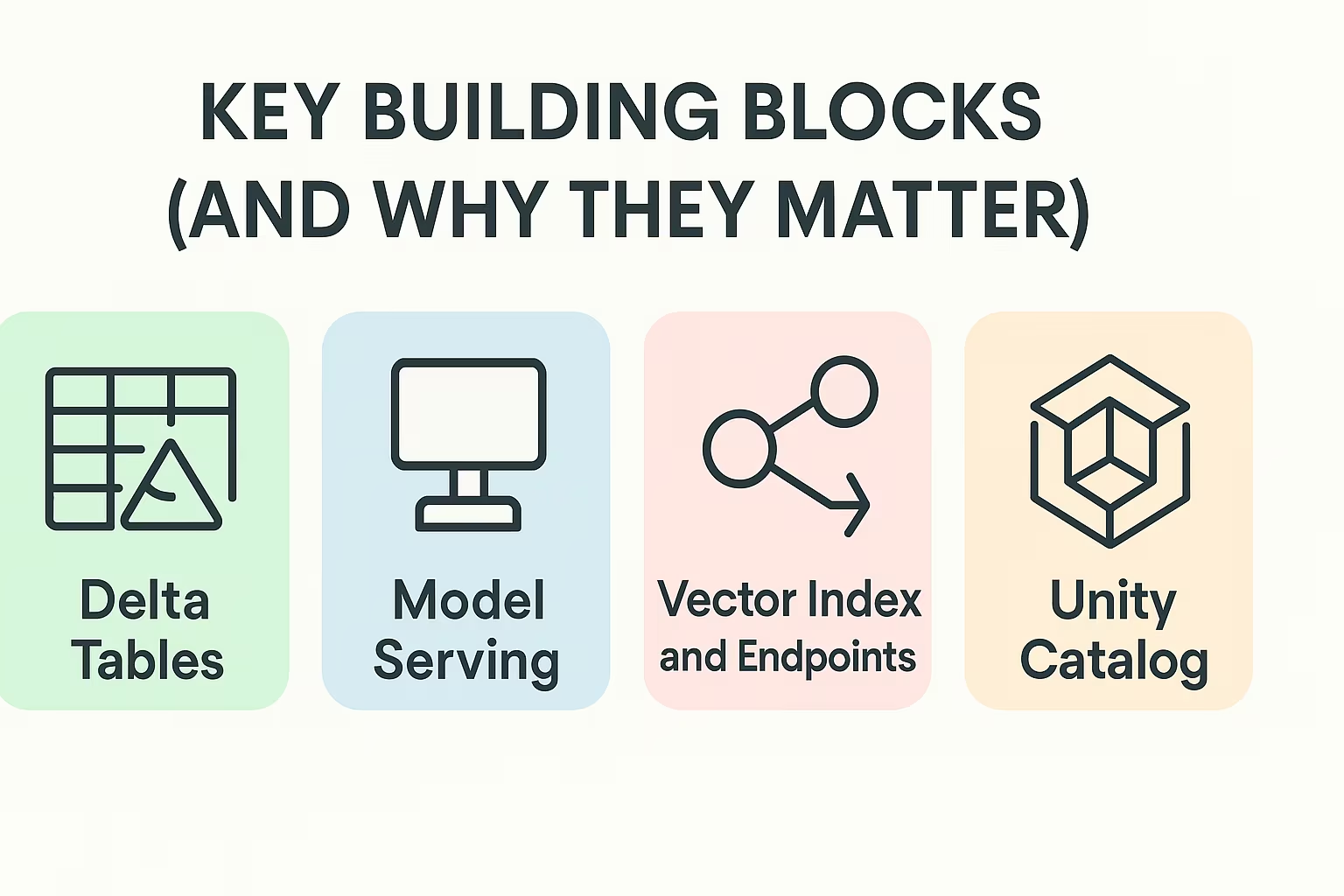
Key Building Blocks (and Why They Matter)
Understanding how Vector Search works means understanding the four main pieces that come together behind the scenes:
1. Delta Tables
This is where your source data lives. Any document, customer interaction, or unstructured asset can be stored here. What’s unique is that the vector index can be synced automatically with these tables, so when new data is added, the search index updates in real time.
2. Model Serving
To turn text (or images, audio, etc.) into vectors, you need embedding models. Databricks lets you use their hosted models or bring your own. This is especially useful for teams that want fine control over how their embeddings are generated or want to use proprietary models.
3. Vector Index and Endpoints
This is where your vector data lives once it’s been embedded. The endpoint is the interface you use to query it - you send a prompt, it returns similar documents. It runs on managed, scalable compute without requiring you to spin up infrastructure.
4. Unity Catalog
Instead of bolting on governance, Vector Search bakes it in. Unity Catalog ensures role-based access control, lineage, and auditing all carry through to your embeddings and search results. That’s not common in most vector DB setups.
Real-World Use Cases That Actually Work
While a lot of vector search hype is abstract, Databricks has a few very grounded use cases already live in production. Here are some standout examples:
Agent Assist in Call Centers
Companies like Lippert are using Vector Search to pull answers from user manuals, support logs, and training content - all in real time. When agents type a customer question, the system surfaces the most relevant passages instantly. This helps reduce training time, boost resolution speed, and keep support quality consistent.
AI Knowledge Bases
Imagine asking your internal chatbot, “What’s our policy on contract terminations?” and getting the correct snippet from a 70-page HR document. With Vector Search, LLMs can use embeddings to retrieve the exact content that matters, not just the closest keyword match.
Semantic Product Search
For companies with complex catalogs, it’s hard to predict exactly how customers will phrase what they want. Vector search enables search-by-meaning so that queries like “laptop for video editing” can return options with high GPU, not just listings that use the phrase “video editing.”
Working With Databricks Vector Search at Scale: Our Perspective
At Mobian, we build digital platforms that need to perform under real-world pressure. Whether it's a healthcare portal serving thousands of users or a corporate tool managing sensitive workflows, one thing is consistent across our projects: fast, accurate, and secure access to information matters.
That’s why Databricks Vector Search is something we pay close attention to. Its ability to combine semantic search with native governance, real-time syncing, and full serverless architecture aligns closely with how we approach product development. We’re not just writing code or deploying models - we’re solving problems that depend on relevance, scale, and security being built-in from day one.
When we integrate LLMs or search capabilities into a client solution, we don’t want to spend weeks building brittle pipelines or wrestling with access control. Databricks lets us plug vector search directly into the same Delta architecture we’re already using, which keeps everything simpler, faster, and safer. For teams like ours who focus on long-term performance, not just flashy features, that’s a big win.
Types of Indexes: Delta Sync vs Direct Access
When setting up a Vector Search index, you’ve got two options depending on how much control you need:
Delta Sync Index
- Syncs automatically with a Delta table
- Great for constantly changing datasets
- Can use built-in Databricks embeddings
- Fully managed and serverless
Direct Access Index
- Gives you full control over what gets written and when
- Supports manual ingestion of vectors
- Lets you use your own embedding pipeline
- Ideal for low-change or static datasets
Performance and Scale
Databricks Vector Search was clearly built with serious workloads in mind. According to Databricks, a single endpoint can handle up to a billion vectors, which puts it comfortably in the range needed for enterprise-level applications. On top of that, the system supports anywhere from 30 to 200 queries per second, depending on the complexity and configuration. That kind of throughput means you can build real-time apps or integrate it into busy workflows without worrying about latency or overload.
What stands out is that all of this happens in a serverless environment. You don’t have to think about provisioning compute or scaling up infrastructure when traffic spikes. It just works. And in benchmarks using OpenAI embeddings, Databricks reports performance up to five times faster than some of the top vector databases out there. Of course, results will vary depending on the specifics of your use case, but the design clearly prioritizes speed, flexibility, and simplicity.
Governance Without the Headaches
One of the most overlooked features here is governance. With most vector DB setups, you have to bolt on some external security layer or maintain your own logic for who gets to see what.
Databricks skips all that by tightly integrating with Unity Catalog, which provides:
- Fine-grained access control
- Audit logs and lineage tracking
- Centralized policy enforcement
- Visibility into data usage
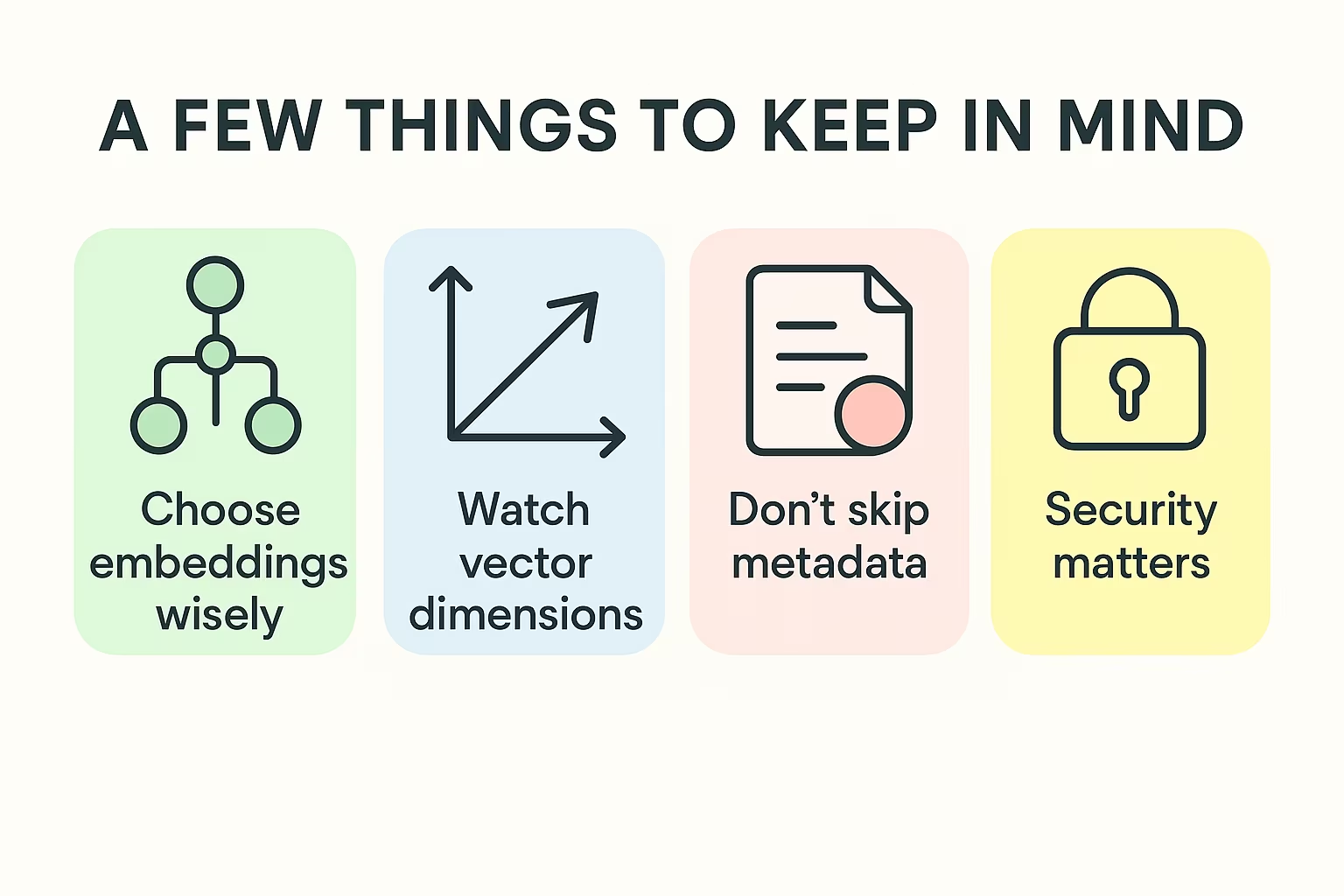
A Few Things to Keep in Mind
Vector Search is powerful, but not magic. Here are a few practical notes:
- Choose embeddings wisely: Garbage in, garbage out. If your model doesn’t capture the nuances you care about, your search results will feel off.
- Watch vector dimensions: Higher dimensions mean more expressive embeddings, but they also increase storage and compute costs.
- Don’t skip metadata: Storing useful context (like source, tags, timestamps) makes post-processing and filtering easier.
- Security matters: Just because embeddings are abstract doesn’t mean they’re safe. Treat them like sensitive data.
Final Thoughts
Databricks Vector Search isn’t just another tool added to the pile. It’s a thoughtfully built, enterprise-ready component that brings vector search directly into your existing data workflows. If you’re already using Delta, Unity Catalog, and Databricks-hosted LLMs, it just makes sense.
What makes it compelling isn’t just performance or integrations - it’s the fact that it removes friction at every step. You don’t have to build pipelines, babysit infrastructure, or reinvent governance.
You just turn it on and start building smarter, faster tools that actually understand what your data means.
Frequently asked questions
Can I use Databricks Vector Search without being deeply invested in the rest of the Databricks platform?
Technically, yes - but the real value shows up when you’re already using Delta Lake and Unity Catalog. If you’re all-in on Databricks, the integration feels seamless. If you’re not, it might be overkill compared to lighter vector DBs unless you're planning to scale up fast.
Does Vector Search support custom embeddings?
Absolutely. You can use Databricks-managed models or plug in your own embedding pipeline. Whether you're working with OpenAI, Hugging Face, or something internal, you can bring your own embeddings and still use the indexing and search features.
What makes this different from something like Pinecone or Weaviate?
The biggest difference is where it lives. Pinecone and Weaviate are standalone tools. Databricks Vector Search is baked into the data lakehouse. That means native access control, automatic syncing from Delta tables, and fewer moving parts to manage.