
Model Context Protocol Overview
A clear look at how the Model Context Protocol connects AI models with real-world data, tools, and systems.
Large language models have come a long way, but they still hit a wall when it comes to interacting with the real world. Sure, they can answer questions and generate content, but they’re mostly stuck inside a conversation - unaware of what’s happening outside their bubble. They can’t check your latest dashboard metrics, interact with business tools, or perform actual tasks without help. That’s where the Model Context Protocol (MCP) steps in.
MCP acts as a bridge between LLMs and the external systems they need to work with. It gives models a structured, standardized way to access tools, fetch real-time data, and trigger actions across different apps or platforms. Whether you’re building a support assistant, an AI-powered dev tool, or a smart internal dashboard, MCP can make your model more useful by giving it the context and capabilities to interact with the environment around it. This article breaks down what MCP is, how it works, where it fits in real workflows, and what you need to know to start using it effectively.
What is the Model Context Protocol?
Large language models have made huge progress, but they still come with a major limitation: they can’t access real-time data or interact directly with external tools. Their knowledge is static, locked to the moment they were trained. This gap between model and environment has held back a lot of potential applications.
The Model Context Protocol (MCP) was introduced to close that gap. It gives LLMs a standardized way to connect with external systems like APIs, databases, or business tools. Instead of reinventing integrations for every use case, MCP provides a shared structure that models and systems can both understand. It’s kind of like the USB standard for hardware - a universal connector that simplifies everything.
In this article, we’ll explore how MCP works, why it matters, and how you can use it to make AI systems more powerful and useful in real-world workflows.
Why the Model Context Protocol Exists
Before MCP, every integration between an AI model and an external system was custom. Developers had to write unique code for every model-to-tool pairing. This quickly got out of hand. As more models and more tools came online, the number of required connections multiplied. It became inefficient, error-prone, and expensive to maintain.
Here’s what the AI community was running into:
- Each pairing of model and external tool required a bespoke integration
- Custom code made debugging and updates harder
- There was no consistent way for models to understand what tools could do
- AI agents couldn’t reliably execute multi-step tasks using different systems
- Developers wasted time stitching things together rather than building features
How MCP Works
MCP is based on a client-server design with clear roles and responsibilities. Here’s a breakdown of its components and workflow.
The Main Components
- Host: This is the app where the AI model lives. It could be an IDE, a chatbot, or a custom agent interface.
- Client: Inside the host, the MCP client handles communication with one MCP server. It manages the handshake, discovery, request, and response flow.
- Server: The MCP server wraps an external tool or system and exposes its capabilities in a way the client and model can understand.
How They Talk
Communication happens through structured messages (based on JSON-RPC). The client can talk to the server in one of two ways:- Standard input/output (stdio) for local connections
- HTTP with Server-Sent Events (SSE) for remote connections
Three Core Features
MCP servers expose capabilities to the model in three categories:
- Resources: Read-only data the model can access. For example, user details, files, or records.
- Tools: Actions the model can trigger - like sending emails, writing to a database, or starting a process.
- Prompts: Reusable templates that guide how a tool or resource is used, helping models structure their requests more effectively.
A Typical Interaction
Let’s say the user asks an AI assistant: “Send me the current status of project X.”
- The host application uses its client to connect to an MCP server.
- The client discovers that the server offers a get_project_status tool.
- The model determines it needs to use that tool to complete the request.
- The client sends the tool call to the server.
- The server fetches the data and returns it.
- The client passes that data back to the model.
- The model includes it in its final response to the user.
How We’re Using MCP to Build Smarter Systems
At Mobian, we work closely with teams that need AI to do more than just generate text. For us, the Model Context Protocol isn’t just another technical spec - it’s a practical way to connect intelligent systems with the tools and data they need to be genuinely useful. Whether we're building from scratch or enhancing an existing product, MCP helps us tie everything together with clarity and consistency.
When we develop AI-powered solutions, especially in complex industries like healthcare or fintech, it's rarely enough for a model to sit in a vacuum. It needs to pull real-time data, trigger actions, and understand its environment. MCP gives us a shared structure to do that across tools, apps, and platforms. It makes AI more flexible, easier to integrate, and far more actionable - and that’s exactly the kind of outcome we’re always aiming for.
Why MCP Is a Big Deal
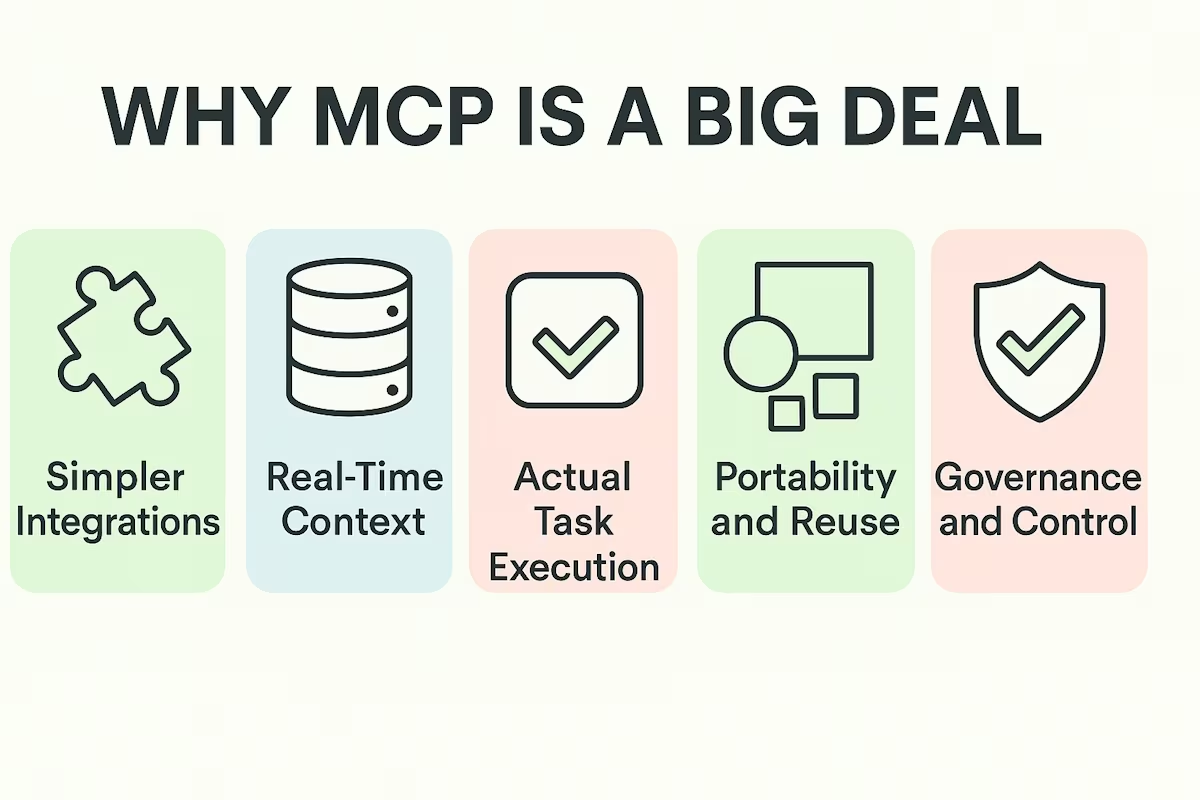
MCP isn’t just another integration trick - it opens the door for much smarter AI systems that can operate in live environments, not just offline conversations. Here are a few major benefits.
Simpler Integrations
Instead of writing glue code for every model-tool pair, developers build reusable clients and servers. This cuts complexity and speeds up development.
Real-Time Context
Models are no longer stuck with stale training data. With MCP, they can tap into current information - from CRMs, APIs, or databases - and respond with relevant answers.
Actual Task Execution
AI agents can go from passive responders to active doers. They can schedule meetings, update records, or trigger workflows automatically.
Portability and Reuse
Once built, MCP servers and clients can be reused across projects and platforms. It’s easier to mix and match models, tools, and host apps.
Governance and Control
MCP includes mechanisms for controlling access, defining permissions, and auditing tool usage. This is essential for enterprise use and regulated environments.
When and Where to Use MCP
The Model Context Protocol really starts to show its value when AI systems go beyond simple conversations. Anytime you’re asking a model to interact with live tools, pull current data, or work as part of a broader system, MCP helps keep that connection clean and consistent. It isn’t just about smarter models - it’s about giving those models something useful to work with.
In development environments, for example, AI assistants aren’t just suggesting code snippets anymore. With MCP, they can dig into your actual project. You might be typing a function, and the assistant fetches relevant documentation, checks for existing implementations in your codebase, or even flags failing tests tied to that module. It can call tools like linters or formatters directly. Instead of working in isolation, the AI becomes aware of your workspace and contributes meaningfully.
Inside businesses, MCP plays a different but equally important role. Let’s say there’s a support chatbot running on your site. It no longer has to rely on hard-coded rules. It can query a customer’s ticket history, retrieve recent purchases, draft an email response, and even escalate to a human agent - all by connecting through MCP. And it’s not limited to support. Internal teams can use similar setups for HR tasks, finance reviews, or team scheduling without building custom integrations each time.
In a data-heavy setting like finance, MCP helps AI move from static charts to dynamic action. A model embedded in a company dashboard could check sales performance, run forecasting models, or send alerts if key metrics go off course. If someone asks, “How did Q2 compare to Q1 for product X?”, the model can pull numbers directly from a live database and build a contextual reply instead of guessing from static training data.
And when multiple agents are in play - each handling different parts of a workflow - MCP becomes the coordination layer that keeps them in sync. Rather than each agent having its own way of calling tools or accessing context, they share a common language. One agent fetches the data, another interprets it, and a third takes action - all without clashing or duplicating work. That kind of collaboration is hard to pull off without something like MCP sitting in the middle.
This isn’t about edge cases. These are real, everyday needs in modern software, and MCP gives developers a way to meet them without patching together brittle workarounds. It’s practical, clean, and increasingly essential as AI takes on more responsibility inside real systems.
What to Know Before You Build with MCP
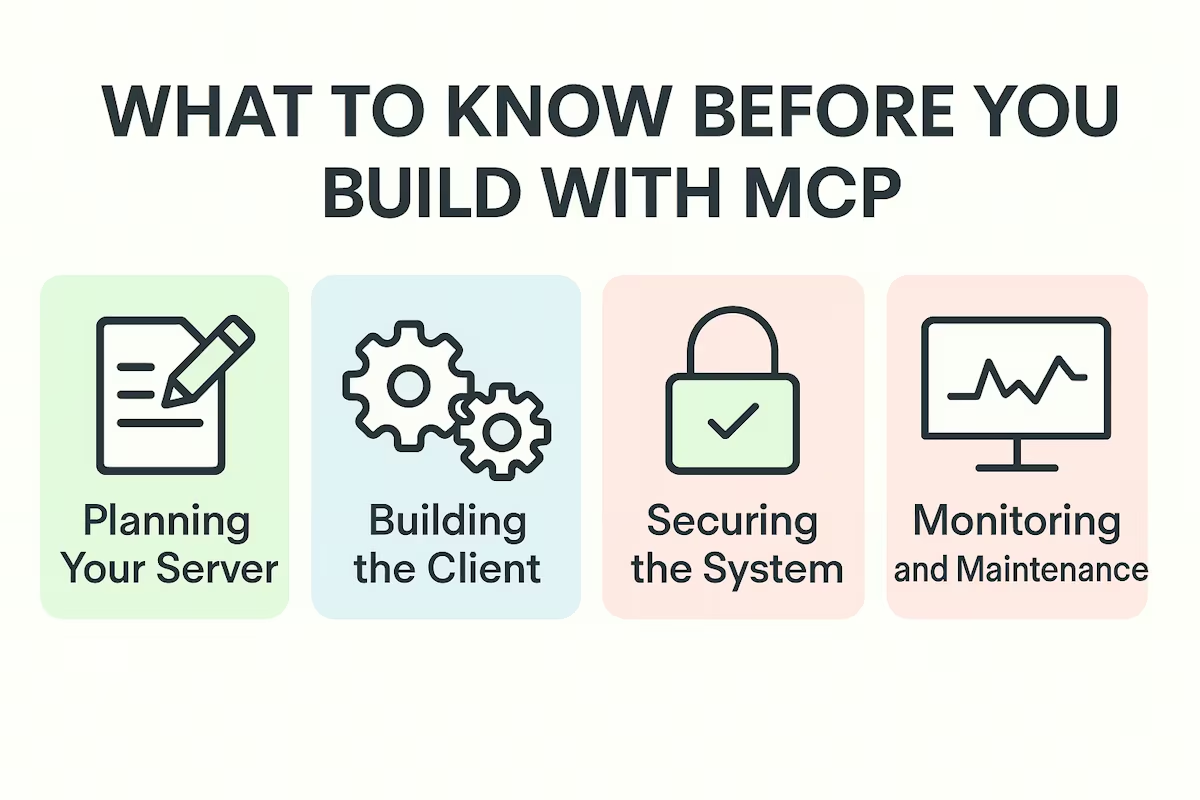
While MCP makes integrations easier, there are still some things to plan for.
Planning Your Server
You’ll need to decide what external tools or data sources to expose. Your MCP server will wrap those and define how they appear to the AI. This includes:
- Naming tools clearly
- Describing inputs and outputs
- Documenting what each tool does
Building the Client
The client lives in your host app and connects to the server. There are open SDKs in several languages to help with this. The client handles handshake, discovery, and tool calls.
Securing the System
Since you’re letting models perform actions, access control matters. You’ll want to:
- Authenticate tool usage
- Define permissions
- Sanitize outputs
- Log all activity
Monitoring and Maintenance
You’ll need to keep an eye on how tools are being used, whether descriptions stay accurate, and whether updates break compatibility.
Potential Risks
As useful as the Model Context Protocol is, it comes with its own set of challenges. Some of the main ones include:
- Misuse of tools
- Prompt injection
- Broken expectations
- Over-engineering
Prompt injection is another serious concern. Since MCP often relies on dynamic prompts and user inputs, poorly validated text can carry hidden commands that instruct the model to act in unintended ways. Input sanitization and strict validation are essential to avoid that kind of manipulation.
Broken expectations arise when the interface of a connected tool changes silently. If a function’s input or output format shifts but the model’s instructions aren’t updated, it can misfire or produce unreliable results. Keeping documentation synchronized and enforcing version control helps keep things stable.
Over-engineering can sneak up on teams trying to move fast. It’s tempting to build new MCP servers for every little feature, but doing so can fragment your system and make maintenance painful. A simpler, shared approach across services usually works better.
Each of these risks is manageable, but they need active attention. The more power you give your AI systems through MCP, the more thoughtful you need to be about safety, consistency, and control.
Looking Ahead
MCP is gaining traction fast, and for good reason. As AI agents become more central to product experiences, the need for reliable, secure, and reusable integrations only grows. MCP helps unlock that future by giving models a way to interact with the world around them in a structured and consistent manner.
And that’s the shift we’re seeing now - from models that simply chat to agents that can think and do. With MCP as the standard, that kind of AI isn’t just possible. It’s practical.
Frequently asked questions
Is the Model Context Protocol only useful for developers working with large companies or enterprise platforms?
Not at all. While MCP absolutely benefits complex systems, it’s just as helpful in smaller setups where you want clean, reusable integrations. Whether you're building a single agent for internal use or a multi-tool product with customer-facing features, MCP helps simplify the connections.
How is MCP different from just calling APIs directly?
You can think of MCP as a layer that wraps and organizes those API calls in a way the model understands. Instead of writing custom code for each interaction, you define tools and resources once, and they become reusable components that models can discover, invoke, and respond to dynamically.
Can I use MCP with any LLM or only with specific platforms?
MCP is an open standard, so in theory it can work with any model that supports structured input and function calling. You’ll see stronger support from models and platforms that are already embracing tool use, but the protocol itself isn’t locked to any one provider.
Is it safe to give models this much access to external systems?
It can be, but only if you build with safeguards in place. Like any integration layer, MCP should be paired with access controls, logging, and validation. The real risk isn’t in the protocol, it’s in how loosely or tightly you configure the tools it connects to.